
Updated 11/2025
Microsoft’s adaptive technology made a strong impression at ACNC24, showing how thoughtful design can open doors in both gaming and everyday computing. From custom controllers to modular accessories, these tools are helping people connect, learn, work, and play in ways that fit their needs.
Gaming Without Limits: The Xbox Adaptive Controller
A Controller Built for Real Players
The Xbox Adaptive Controller (XAC) is one of Microsoft’s best-known innovations. Created with input from AbleGamers, SpecialEffect, and Warfighter Engaged, the XAC changes what’s possible for people who have disabilities in the gaming world. Its design starts with a simple idea: the controller should fit the player.
With two large programmable buttons, nineteen 3.5mm ports, and multiple USB inputs, the XAC works with an array of switches, joysticks, mounts, and other devices. Whether someone uses their feet, head, hands, or voice, the XAC can be adjusted to match their movement style and comfort.

Why It Matters
Gamers who once faced physical barriers can now join friends online, explore new games, and be part of gaming communities. For many, gaming is more than entertainment—it’s connection, creativity, and a space to unwind.
Tools That Boost Everyday Productivity
Microsoft’s adaptive work goes far beyond gaming. Across devices like Microsoft® Surface and software such as Windows 11 and Microsoft 365, users will find built-in features that make computing easier and more comfortable.
Windows 11 Features
Windows 11 includes several options designed to support different ways of working and communicating, such as:
- Voice Access: Navigate and operate your PC using your voice.
- Live Captions: View real-time captions for videos, calls, and audio.
- Magnifier & Color Filters: Support for people who have low vision or color blindness.
- Narrator: A screen reader that helps users explore their computer without needing to see the screen.
Microsoft 365 Features
Across Word, Outlook, PowerPoint, and more, users can take advantage of tools like:
- Read Aloud and Immersive Reader: Helpful for people who learn best by listening or who have dyslexia.
- Accessibility Checker: A built-in tool that identifies barriers in documents and suggests changes.
- Keyboard Shortcuts and Dictation: Options that support hands-free or low-effort productivity.
Microsoft Adaptive Accessories: Hardware Designed for Your Hands
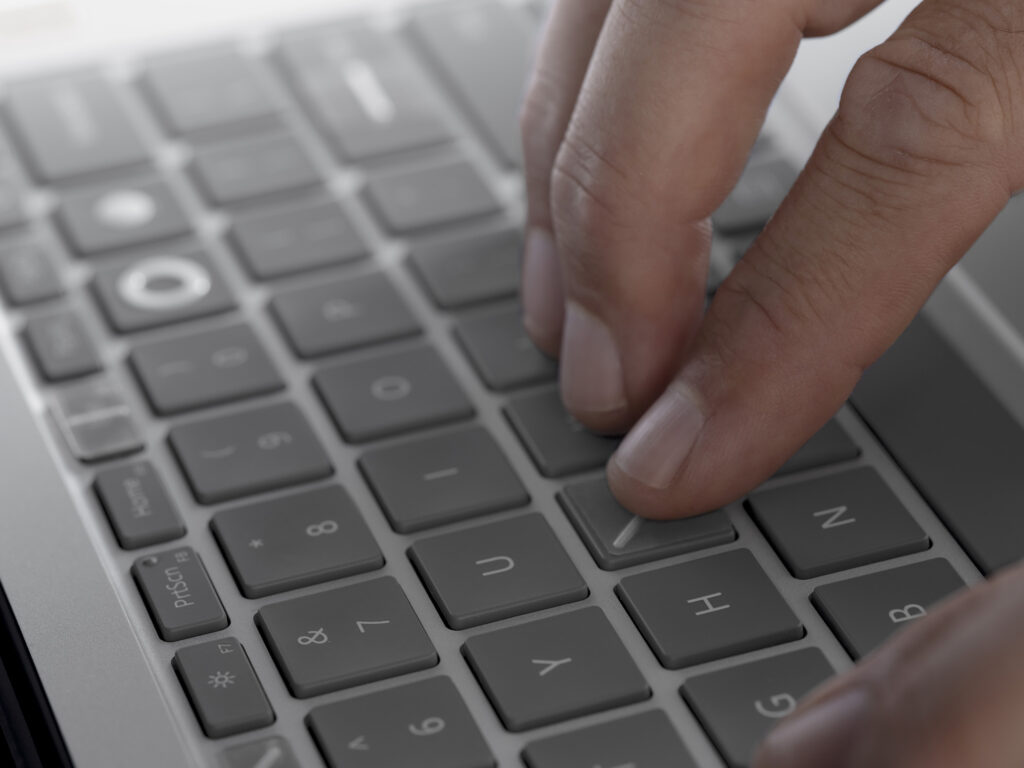
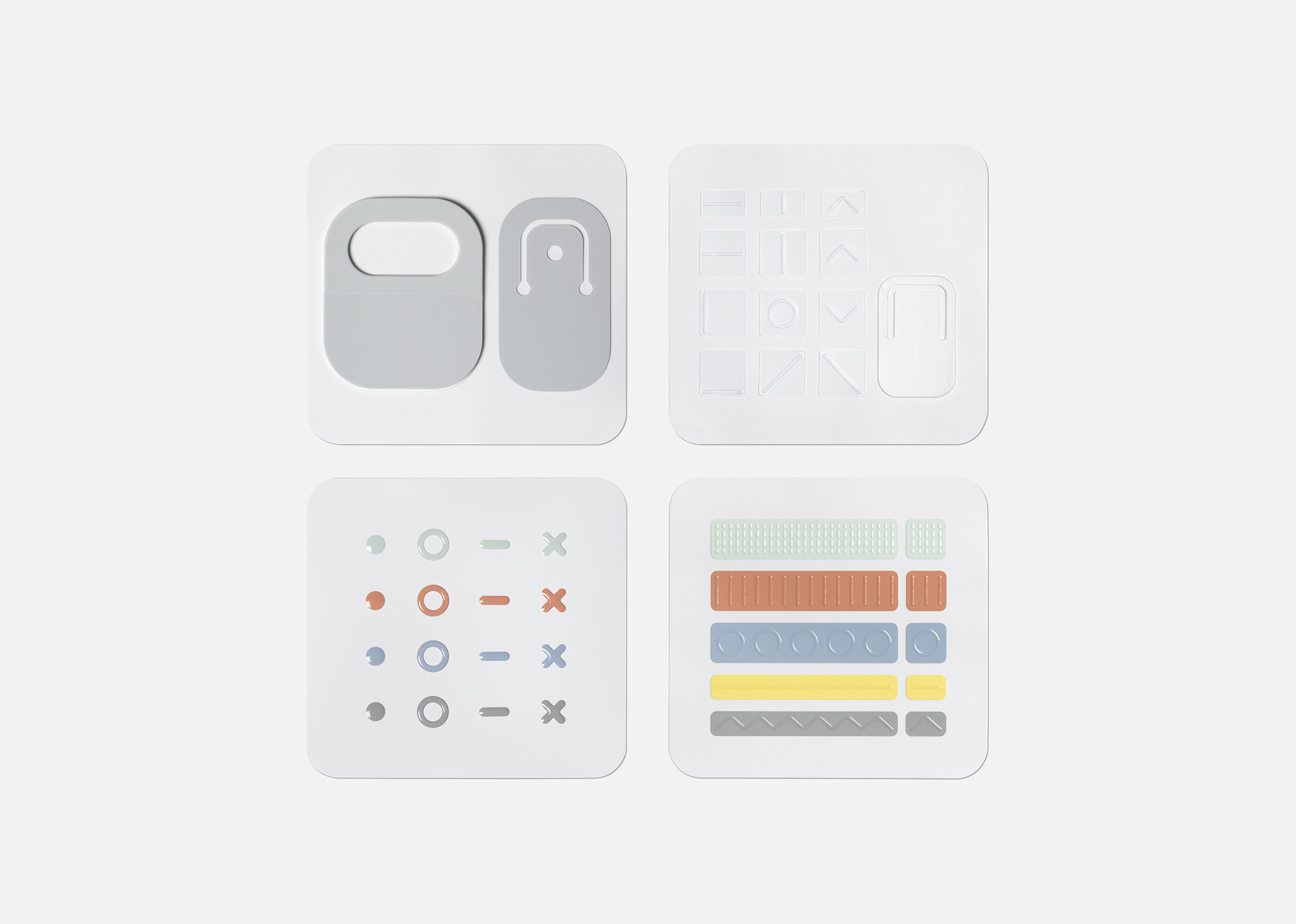
In 2022, Microsoft introduced a set of Adaptive Accessories built for people who find traditional keyboards, mice, or trackpads difficult or uncomfortable to use. They include:
- Adaptive Mouse: Modular components that allow users to adjust size, shape, and control to match their comfort.
- Adaptive Hub: Connects multiple inputs in one place for a streamlined setup.
- Adaptive Buttons: Programmable buttons that can be paired with 3D-printed attachments for even more customization.
These accessories came directly from user feedback. Instead of expecting people to adjust to standard hardware, Microsoft designed tools that adjust to the user.
Together, these digital and physical tools support involvement in work, education, communication, and creative projects.
Why It Matters
The World Health Organization estimates that more than 1 billion people worldwide navigate life with some form of disability. That’s roughly one in seven people. Tools that work for a wide range of users help remove needless barriers and make digital spaces easier to use for everyone.
Microsoft’s adaptive tools show what’s possible when technology is shaped around people—not the other way around. Their approach highlights that meeting different needs doesn’t reduce performance or limit creativity; it strengthens the experience for all users.

Resources for Microsoft Adaptive Accessories
- Microsoft Accessible Accessories
https://www.microsoft.com/en-us/store/b/accessible-adaptive-devices-accessories
It is not the intention of the Amputee Coalition to provide specific medical or legal advice but rather to provide consumers with information to better understand their health and healthcare issues. The Amputee Coalition does not endorse any specific treatment, technology, company, service or device.
© 2026 Amputee Coalition. Email reprint and/or use requests to communications@amputee-coalition.org.